TaiT CRT Interface
Rebuild a subject inside an early computer interface
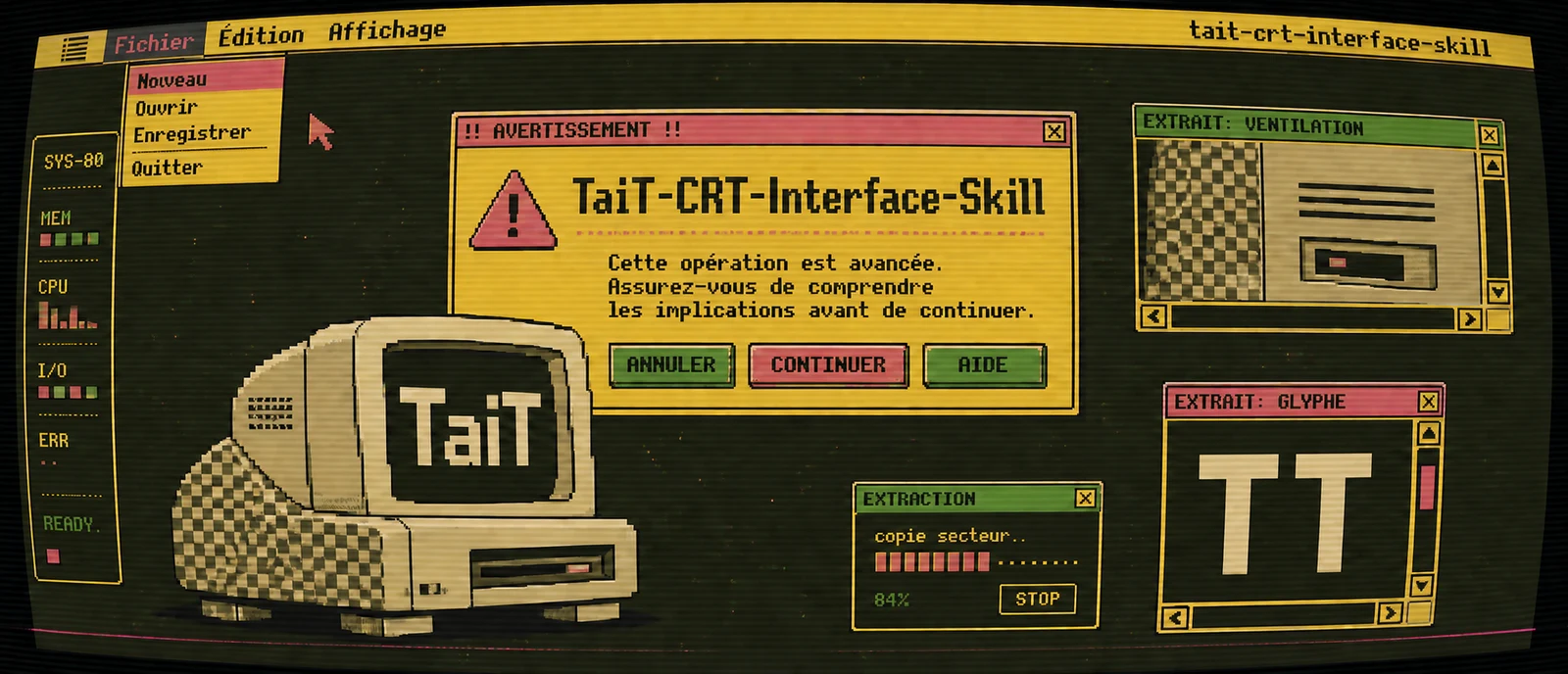
Redraw a photograph or written theme as geometric bitmap artwork with retro windows, a small palette and CRT texture.
Required capabilities
- An assistant with image generation
- Dedicated host tools for full processing
- GitHub stars
- 539
- Checked
- Categories
- Design & Video
Start with one photo, one palette and one ratio
Use it for retro illustrations, posters and covers built around a recognizable subject. A clear solo portrait is a useful first test before group photos or text-only themes: you can compare deliberate abstraction with lost identity.
Pick a task and get started
Install the complete directory, confirm image access and choose a task. The examples already specify palette and ratio, so those intake questions need not repeat.
For a first run, fix palette and ratio, then check that the redesigned person remains recognizable.
Install the complete skill folder
Download the whole directory into a supported host’s skill location, not SKILL.md alone. This guide uses the current Codex project location. Installing instructions does not add image generation.
Read the author’s setup guideCheck discovery, then check image access
Download the fixed-commit ZIP. Put the folder containing SKILL.md at .agents/skills/tait-crt-interface-skill/ in your project, keeping assets, references, scripts and agents. In Codex CLI / IDE, use /skills or type $ to find the name; restart if it has not refreshed. The author lists a user-level ~/.codex/skills location; this guide uses the project-level .agents/skills location in the current official documentation. Ask the assistant to identify its image tool and supported mode, then attach your photo and send a task.
Download the reviewed revisionGive your AI this first task
These editorial examples follow the source and have not been generated. Percentages and shape counts are creative targets to assess in the resulting image.
Use $tait-crt-interface-skill to redraw the attached portrait as one CRT interface illustration. Select 极客02 and 4:3; both choices are settled. Use hair, head shape, broad clothing colors and the pose relationship as a few identity cues. Deliberately change proportions and silhouette, rebuilding with geometric masses rather than tracing the original. Make the subject a large borderless wallpaper. Extract existing details into windows without adding people or props. Follow the mode supported by this host, generate once, inspect once and deliver one image at native resolution.
Check what you receive
- One landscape 4:3 illustration using 极客02; verify the actual aspect ratio.
- Compare hair, broad clothing areas and pose with the original: abstraction should retain useful identity cues.
- Check that windows contain details rather than extra subjects, skin stays in solid colors, and the fixed upper-right signature is correct.
More about this skill
TaiT CRT Interface redesigns portraits, groups, creatures, objects or written themes as 1980s editorial caricatures beneath early Macintosh or Minitel windows. It retains three to five identity anchors per subject, then rebuilds the subject with a few geometric masses. Source proportions and detail are deliberately changed.
A large borderless wallpaper carries the main composition. Three to six unequal windows sit above it, including one to three detail extractions. The subject, text and interface aim to share a square pixel scale and a palette of two to five colors. Curved edges, scanlines and signal disturbance supply the CRT character.
Palette and aspect ratio are required. Supply both to move straight into generation; otherwise the skill asks for the palette first and the ratio next. A full path with a dedicated host dependency tool and a direct image path are separate modes. The name Codex alone does not establish that Python processing is available. Each task generates one image and inspects it once.
Sources and verification
Sources checked
Reviewed all seven author text and script files at commit 6bd76c91. No third-party installation, code execution or image generation was performed.