Give each ink a job, then arrange the subject, type and open paper
Mono Color
Compose One- and Two-Ink Editorial Images
Turn a theme, phrase or photograph into an editorial image with a print aesthetic. Compose one or two inks around a clear focal point, then deliver the image, exact prompt and design recipe.
Path used on this page
- Claude Code: complete repository + natural-language invocation
- Image generation/editing: supplied separately by the host
- GitHub stars
- 3,551
- Checked
- Categories
- Design & Video
Finish one clear subject and one exact phrase first
Start with the small repair shop exercise. Give the dominant ink the object and the accent one small job. Inspect the result at full size and as a thumbnail for wording, plate roles and focus before deciding whether a retry is needed.
Pick a task and get started
Clone the complete repository, restart Claude Code and confirm it can read mono-color and its design catalogs. Invoke it in natural language after checking whether this environment can generate, edit, or only prepare prompts.
Start without a photo: let an ordinary object carry the theme and assign a distinct role to each ink.
Install in Claude Code’s user skill directory
Run the author’s command in a terminal for user-scoped installation. It fetches the repository at execution time rather than pinning this page’s research commit. Inspect an existing same-name directory instead of deleting it to force a reinstall.
Read the author’s setup guidegit clone https://github.com/yanliudesign/mono-color-skill.git ~/.claude/skills/mono-colorKeep more than SKILL.md
Confirm ~/.claude/skills/mono-color/SKILL.md and the six JSON catalogs under design-system/. Restart Claude Code and ask it to use mono-color with your task. Inspect an existing same-name directory first: this clone command does not update an older copy or install an image model. The repository validators are optional maintenance tools, not prerequisites for a normal design request.
Read the author’s installation and usage guideGive your AI this first task
These three editorial examples follow the pinned source and have not generated images here. Each language supplies its own complete input; preserve the exact headline. If tools are unavailable, label prompt-only delivery rather than presenting an expected image as finished.
Use mono-color to make a 3:4 editorial cover about a small-town repair shop. The exact headline is “another year of use”. Invent no address, date, business name or logo. Use one visibly worn wrench as the subject. An enlarged crop and headline should form a single focal event, with quieter open paper around it. Choose Neutral White, Cobalt #2148B8 and Terracotta #C65F38. Cobalt carries the object and headline; reserve Terracotta for one small annotation or selected detail, following the dominant/accent plate proportions. Keep a contemporary direction and roughly 35% visible empty paper. Add no aged borders, yellowed paper or product mockup. Resolve composition, type hierarchy and screening from the catalogs, then use the available image tool. Inspect at full size and thumbnail scale: exact wording, recognizable object, no third independent ink, and clear focus with release space. Retry once if a documented check fails. If text remains wrong, generate a further text-light base and disclose the need for typesetting in a layout tool. Return the actual image, exact prompt used and recipe. If generation is unavailable, say so and deliver only the prompt.
Check what you receive
- An editorial two-ink raster centered on the wrench, or explicitly labeled prompt-only output.
- The actual prompt and reusable notes on plate roles, composition, typography and treatment, with text failures disclosed.
More about this skill
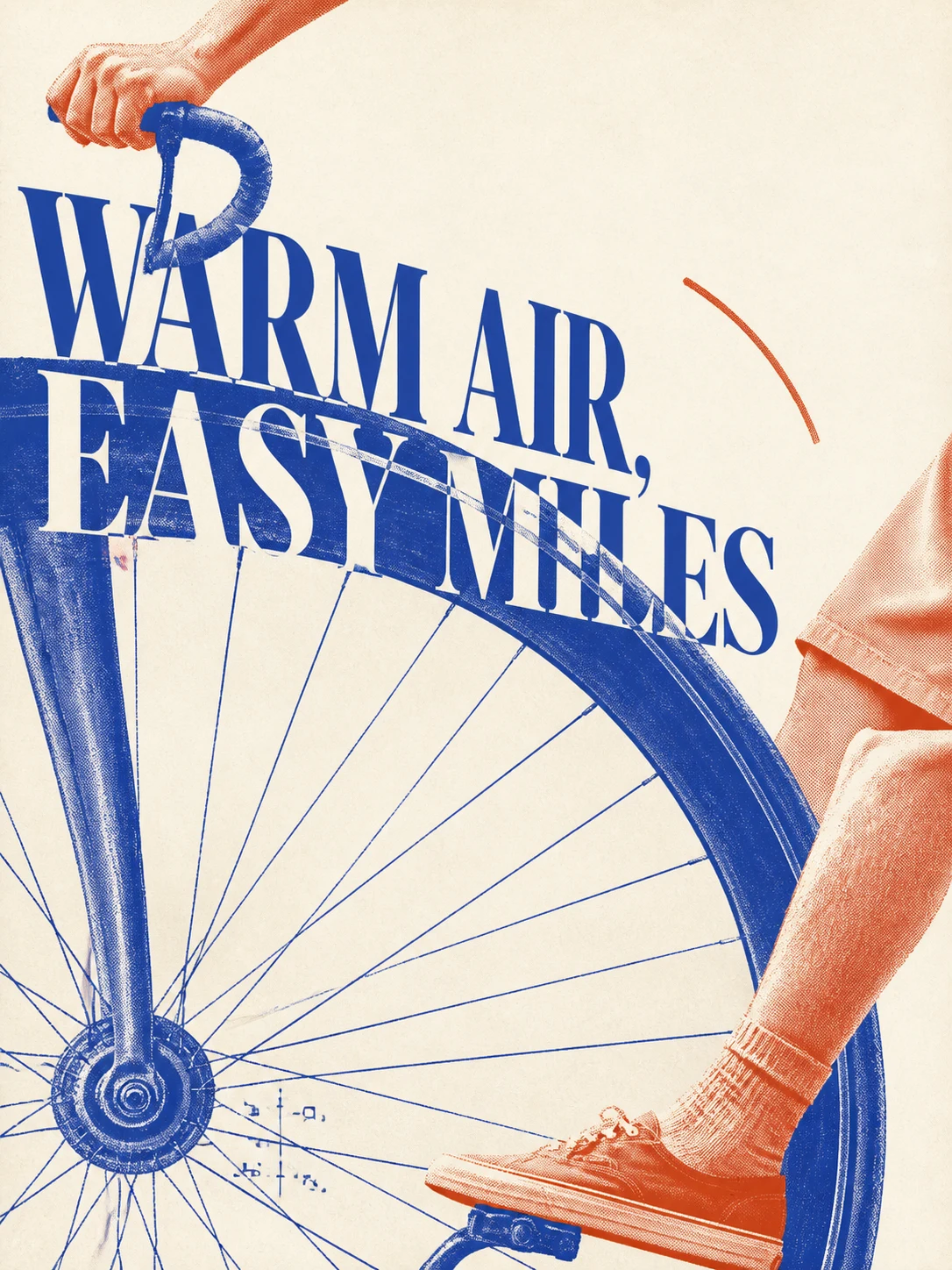
Mono Color treats an image as a page to compose. Supply a subject, object, photograph or exact phrase; the agent decides what should lead, then arranges inks, imagery, words and open paper. The emphasis is on plate roles, the relationship between headline and subject, and a focal point that survives at thumbnail size.
Despite the name, the current default is controlled two-ink work: a dominant plate carries the subject, while an accent has a narrow purpose. Explicit monochrome requests stay one-ink. Unspecified work starts from 3:4, neutral white, Cobalt and Terracotta, and roughly 35% open paper. Aged paper and vintage effects are separate choices.
A supplied photo can follow faithful reproduction or abstract symbol extraction. The first preserves identity while changing crops, screening and exposed paper. The second keeps two to four recognition anchors and rebuilds masses, contours and rhythm. A text-only theme also works; a reference poster is optional.
This is a design workflow and data catalog, not an image service. The available tool renders; the agent inspects against the rules. Delivery includes the image, actual prompt and short recipe. An explicit prompt-only request or unavailable image capability should produce a clearly labeled prompt-only result.
Sources and verification
Sources checked
The pinned main skill, README, six design catalogs, licenses, changelog and two validators were read. Verification was documentary and static only: no installation, upstream script execution, image generation or visual inspection of author example images.