Video Production Skills
Put your product story in motion.
Four independently installable skills for creative direction, product videos, typing openers and reference recreation. Start with the task you have today.
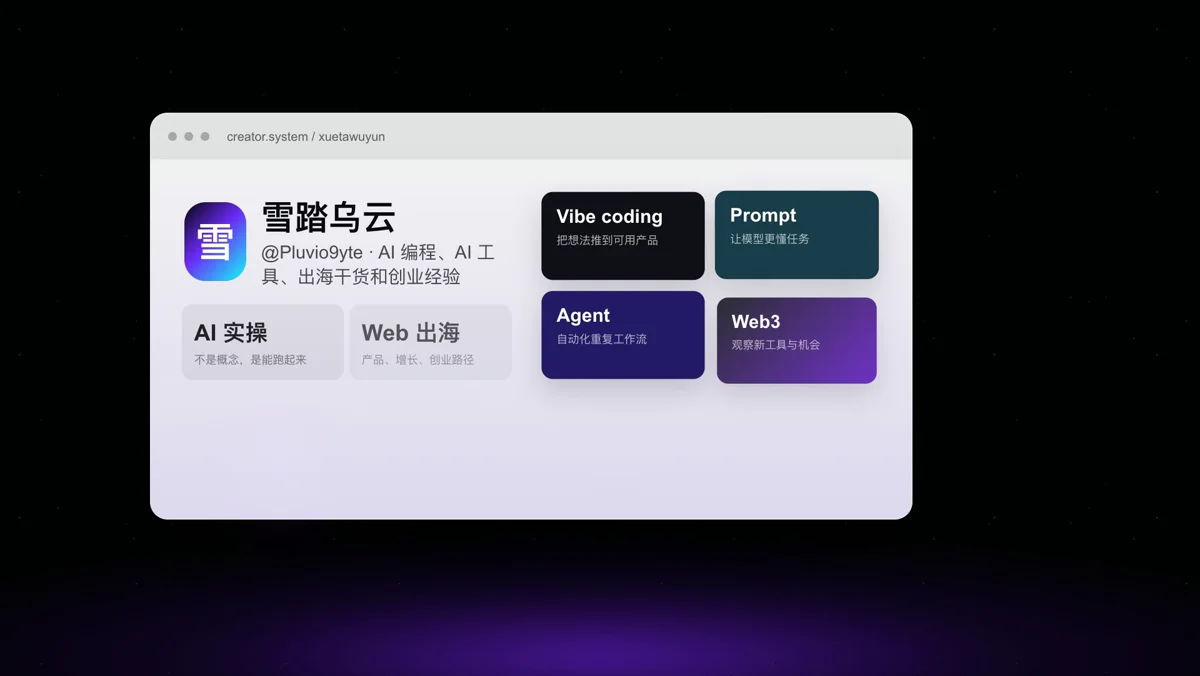
Author’s example: Xuetawuyun product introduction · 12 sec · 1080p
View example sourceThese finished examples come from the author. Use them to judge style and pacing; your result will depend on your brief, assets and model.
Clients listed by the author
- Codex
- Claude Code
- Cursor
Start with one short piece.
Have a product brief and screenshots? Try the product video. Need an introduction for an existing video? Choose the typing opener. Complete one specific task before expanding the whole production.
Pick a task and get started
Each task is a separate skill. Install the one you need for this project.
Introduce a SaaS or AI product with a dark stage, floating interfaces and kinetic type.
dark-saas-magic-videoInstall the skill
Run the author’s command in a terminal and follow the installer’s prompts to select your AI client. Install Node.js first so npx is available.
npx skills add https://github.com/Pluviobyte/video-production-skills --skill dark-saas-magic-videoGive your AI this first task
After installing, open your project folder in the chosen client, attach your materials, then send this prompt.
Use dark-saas-magic-video to make a 12-second, 16:9 product introduction. I will attach the product brief, logo and screenshots. Plan the story around its real features, then render the video. Do not invent product capabilities.
Check what you receive
- A playable MP4, with confirmed duration and resolution.
- A contact sheet for visual checks and a short description of the scenes used.
Sources and verification
Sources checked
Checked against the author’s README and skill instructions. Atlasnote has not tested the generated results.