PPT Master
Choose the right route, then check the objects you actually need to edit.
Create an editable PowerPoint from source material, update a deck while retaining its design, or build a reusable team template.
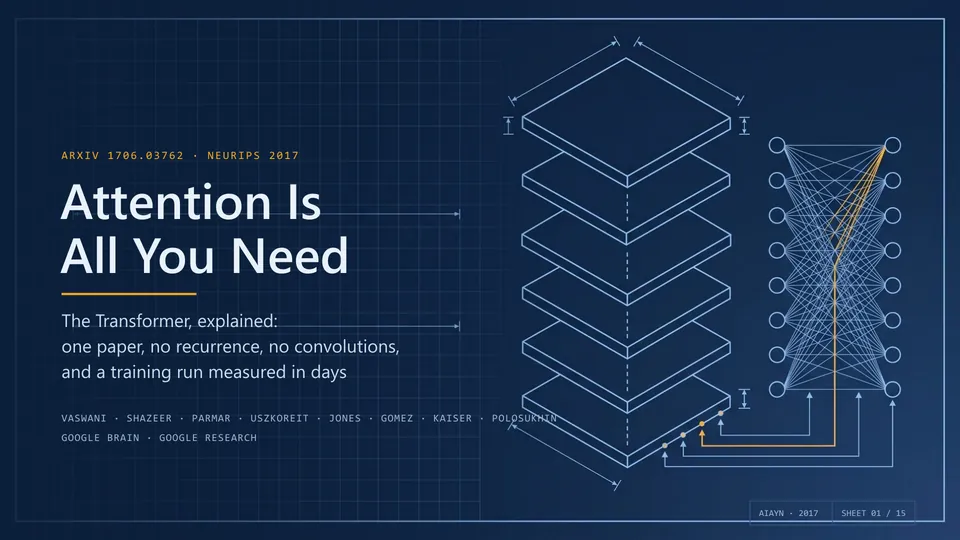 Open original
A dark grid, layered outlines and connecting lines frame the paper title, giving technical material a coherent visual theme. This is the author’s original cover image.
Author imageUnmodified images from Hugo He’s repository, credited under its MIT license. These are not site-generated results. A screenshot shows composition, not editable objects, chart data or animation in the PPTX.
Hosts that drive the workflow
- Claude Code
- Codex CLI
- Cursor
- Agents with file and command access
- GitHub stars
- 71,152
- Version
- 6.8.0
- Checked
- Categories
- Documents & SlidesDesign & Video
Start with one short, complete briefing
For the first run, limit the deck to eight slides, leave external imagery and narration off, and use Default’s two-stage confirmation. Establish how sources become slides, where files land and whether chart data remains editable before adding templates or media.
Pick a task and get started
Install the environment below, then open the working folder in your agent. You supply the inputs/ files used in the prompts; the workflow creates and reports the active project directory.
Turn a report and a data table into an eight-slide briefing after agreeing on its purpose and story.
Set up the v6.8.0 workflow
This example pins the reviewed v6.8.0 release and uses a Python virtual environment in a macOS/Linux shell. Install Git and Python 3.10–3.14 first. For Windows PowerShell, follow the author’s Windows guide using python; do not copy the source activation line.
Read the author’s setup guidegit clone --branch v6.8.0 --depth 1 https://github.com/hugohe3/ppt-master.git cd ppt-master python3 -m venv .venv source .venv/bin/activate python -m pip install -r requirements.txtOpen a working folder and add your sources
For the full-repository route, open the ppt-master root in your agent. Create inputs/ and add report.md and metrics.csv, or replace the prompt paths with your files. Send the first task and complete the communication/template and full-solution confirmations in chat. The agent creates the active project under projects/. Use its reported path and retrieve the deck from that project’s exports/ directory.
Author’s folder and first-deck guideGive your AI this first task
These are editorial task examples. Replace their filenames with your material. They are neither the author’s original case prompts nor decks generated by this site.
Use this project’s skills/ppt-master/SKILL.md. Read inputs/report.md and inputs/metrics.csv and make an eight-slide, 16:9 quarterly business briefing in English for management. Use only these sources; mark missing figures for follow-up without researching or inventing them. Use Default Generate PPTX. Confirm the purpose, audience and free-design choice in chat, then the story, slide plan, fonts and visual direction. Use no external images, generated images or narration for this run; include speaker notes. I need native data-backed charts and native tables, so export with --native-charts-and-tables. After confirmation, generate, check and export. Return the actual project directory, PPTX, page-preview and report paths, with unresolved warnings.
Check what you receive
- The active project contains design_spec.md, spec_lock.md, svg_output/ and speaker notes. Default separately builds svg_final/ previews; report a preview failure without treating it as a failed PPTX export.
- A PPTX with _native_charts_tables in its name under exports/, plus validation/ reports. Charts should expose Edit Data; table cells should remain editable.
- Open the deck in PowerPoint and check all eight slides: order, values, units, fonts, overflow and notes. SVG previews and static checks do not establish that result.
More about this skill
PPT Master is Hugo He’s presentation workflow: a Skill, templates, and Python conversion and validation tools driven by an AI agent with file and command access. You supply the material and intended delivery; the agent develops the argument, designs the pages and exports a PPTX. Scripts convert and package the result, while the model makes the editorial and design decisions.
There are three routes. Generate PPTX creates a new presentation. Edit Native PPTX retains an existing deck’s native design while changing planned pages or adding delivery features such as notes. Create Template produces a reusable workspace that feeds a later generation run. Filling a supplied PPTX with new content and extracting a reusable template from it are different jobs.
Generated text, shapes and pictures are authored in SVG and converted into PowerPoint objects. Editability depends on the object: a chart can be a collection of movable shapes, or an explicitly requested native chart with editable data. Reusable masters and layouts come from structured Layout or Deck workspaces; repeated elements in a free-design deck do not automatically become a master.
Sources and verification
Sources checked
Checked against the v6.8.0 commit through documentation and selected source-code inspection, and visually reviewed both author images in the opening gallery. No installation, deck generation or PowerPoint runtime test was performed.