Oil Motion
Prepare the motion, then let page input control it
Prepare video or frame sequences for web animation controlled by scroll, pointer or state.
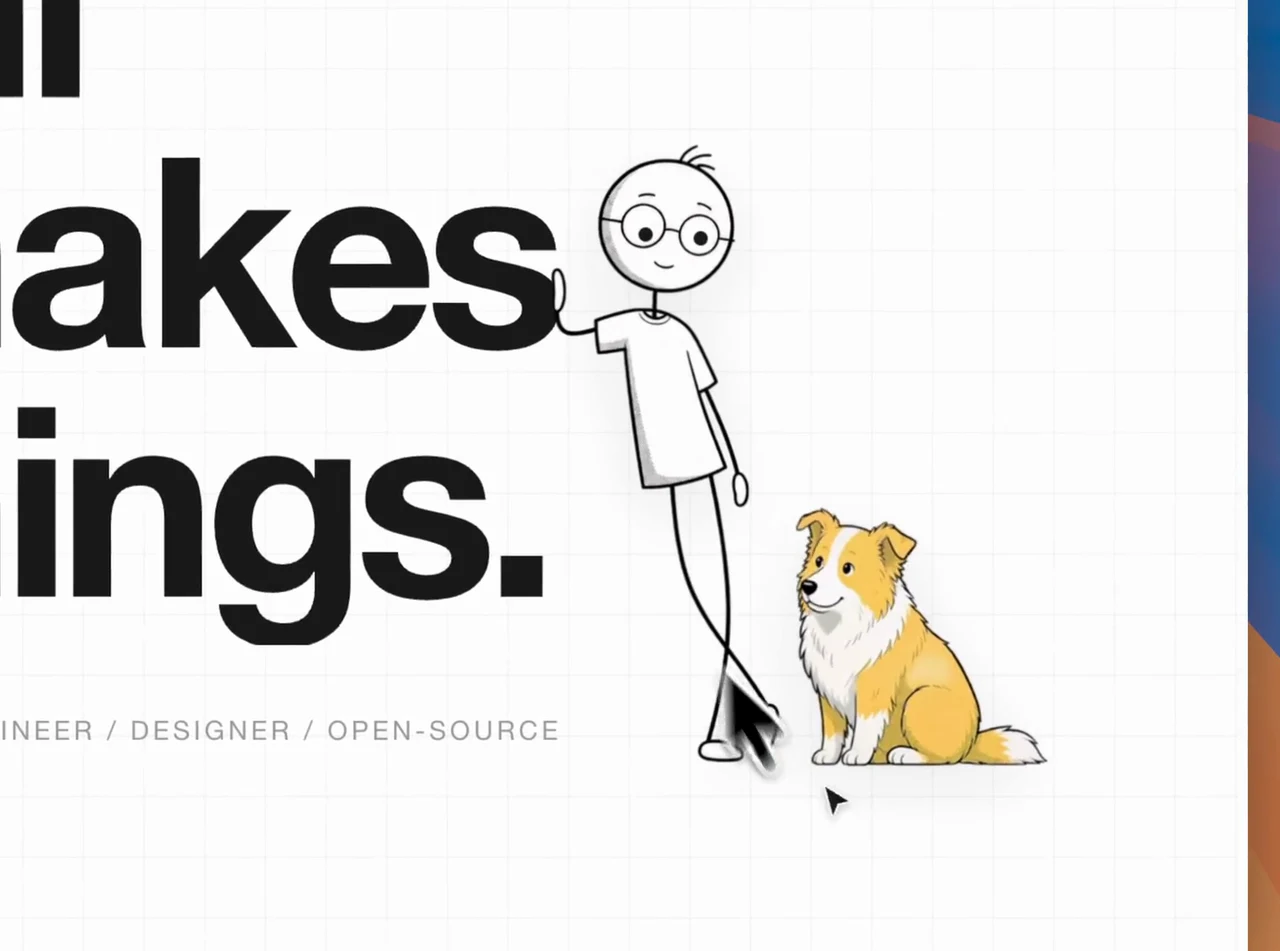
Project demo
View example sourceHosts
- Claude Code
- Codex
- Code assistants that load complete Skills
- GitHub stars
- 2,729
- Checked
- Categories
- Design & VideoEngineering
Start by putting an existing short clip in the page
Choose one bounded product section and test advancing, holding and reversing. This separates media defects from control problems. If continuous footage is missing, use the pilot task to test the most uncertain transition first.
Pick a task and get started
These are editorial input examples based on the source. Install the complete Skill, open your project and choose the task matching your material. Replace filenames and dimensions with real values.
Complete the local workflow with a full-scene clip; no generation account is needed.
Install the complete Skill, then reload it
The author’s command uses the skills CLI; reviewed version 1.7.4 requires Node.js 22.20+ and npm. Select your assistant and project scope, then reload the Skill. It fetches the version available at installation time; this page reviews commit 07e31f2. Prepare Python dependencies and FFmpeg separately.
Read the author’s setup guidenpx skills add oil-oil/oil-motionVerify the local tools and prepare the first input
Open the target frontend project in your code assistant and add inputs/product-motion.mp4 plus the approved inputs/end-state.png. After installation, reload oil-motion and ask the assistant to report the actual SKILL.md location. Have it install that directory’s scripts/requirements.txt dependencies in the chosen Python environment and confirm Python 3.10+, ffmpeg and ffprobe are available. Then send the task below. Use a fresh motion-work/ directory and retain the originals; this first task needs no generation key.
Dependencies and workflowGive your AI this first task
These are editorial tasks, not author results or tests performed by this site. The result lists describe deliverables and checks; the assistant should report completion from actual run evidence.
Use oil-motion. inputs/product-motion.mp4 contains a product unfolding; inputs/end-state.png is the approved endpoint. Connect it to the homepage product section. Keep the video background and map local scroll progress to the frames: stop when input stops and reverse when scrolling back. Target at most 960×540 CSS px at DPR 1 on desktop and a proportional width of 320 CSS px at DPR 2 on mobile. Probe the source dimensions and actual frame rate first; explain any shortfall instead of upscaling for apparent clarity. Process existing media only, initially preserving its frame rate. Trim genuine tail holds if needed and inspect every new seam. Work in motion-work/, write the contract, plan and budget, compile desktop/mobile video and the final timeline, then integrate them into this project. Include a poster, load-failure and reduced-motion fallbacks, and records of slow scrolling, rapid reversal and phone checks.
Check what you receive
- Desktop and mobile full-scene MP4s, poster.png, compile.json and build/timeline.json derived from the retained frames. Use the assistant’s handoff list for their actual locations.
- A product section that advances, reverses and holds. Check the start, middle, endpoint and rapid reversal; trimming must preserve the approved endpoint without a jump.
- Recorded display targets, source pixels, file sizes and page checks. Cold loading, media failure and reduced-motion mode should all leave a usable static image.
More about this skill
Oil Motion is for web animation in which the subject changes: a product opens, a character turns, or a camera travels into a scene. It prepares existing or generated frames as an atlas or video, then guides an assistant in connecting that media to the page. During interaction, the browser seeks or plays prepared assets; moving the pointer does not trigger another generation request.
There are two separate decisions. Background ownership, access patterns and device budgets determine the media format. Whether input should continuously position the timeline or merely trigger a transition determines playback behavior. Scroll does not automatically mean frame scrubbing. The repository supplies processing scripts and runtime starting points; input handling, loading and fallbacks still need project-specific integration.
Start with analysis and budgeting when usable media already exists. For new footage, approve keyframes, generate a short pilot and review it in the real page before expanding production. Removing duplicate frames can improve pacing; it cannot repair an invented component or an incorrect motion design.
Sources and verification
Sources checked
Reviewed 35 complete author documents, configurations and key implementations at commit 07e31f2. No third-party code, media generation or live interaction tests were run.